411: Mobile development testing
You’re getting into this mobile dev thing, but how do you go about testing what you’ve built. Testing your code for desktop computers is a doddle by comparison. By testing a handful of decent web browsers, plus the annoying cockraoch-like IE6 (it just won’t die!) you’ve got it covered. But mobile is different.
the mobile web
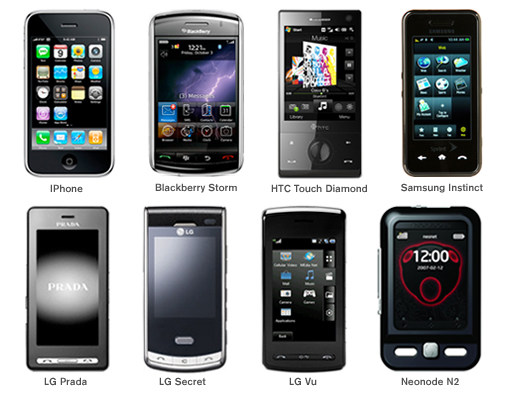
There are hundreds of mobile devices out there and just to make your life a nightmare there are many browsers and OS variations with a lack of adequate mobile web standards currently. So how do you check whether your site works across most if not all of them? The answer is probably to use a mobile emulator and there are 3 main kinds:
- Device emulators – simulate actual devices and great for testing your site/ app on specific devices
- Browser emulators – good for establishing the functionality available in a particular mobile browser
- Operating system emulators – Google provides for Android and Microsoft for Windows Mobile. Good for running a full mobile environment simulator
Popular device emulators:
- Apple (iPhone)
- Research in Motion (BlackBerry)
- Samsung
- LG
- Motorola
- Palm
Popular operating system emulators:
- Google (Android)
- Microsoft (Windows Mobile)
- Nokia (Series 40 and Series 60)
Popular browser emulators are:
- Opera Mini
- Openwave
Advantages of emulators
- You don’t need to bug your friends and family to use their mobiles
- You don’t need to take out multiple contracts or rack up data charges
- You can access and test across a larger number of devices
- It’s a relatively inexpensive way forward
There’s lots more to learn and some good places start if you intend to get into mobile site or application development are:
Wikipedia http://en.wikipedia.org/wiki/Mobile_development
MobiForge http://mobiforge.com
Adobe Mobile Developer Center http://www.adobe.com/devnet/devices


 RSS Feed